
| Select the 220 (S-Class) Diagram from the list. | 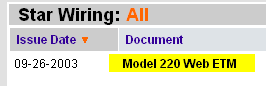 |
| Select Web ETM with STAR Finder |  |
| Select the Group 82 Diagrams |  |
| Select the D2 BUS Diagram | 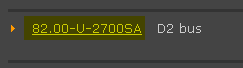 |
| Click on the A2/13 connector | 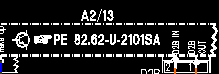 |
| A popup window will appear. | 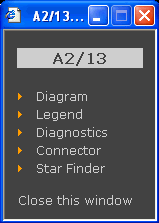 |
| Selecting DIAGRAM will show the diagram | 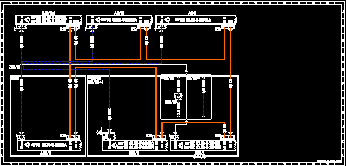 |
| Selecting LEGEND will show all connector information on the current diagram. | 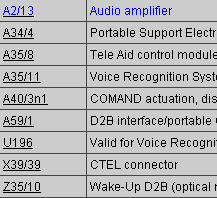 |
| Selecting DIAGNOSIS will display diagnostic information. | 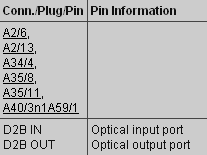 |
| Selecting CONNECTOR will show the pin assignment of the current diagram connectors. | 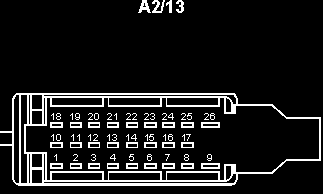 |
| Selecting STAR FINDER displays the location of the component in the vehicle. | 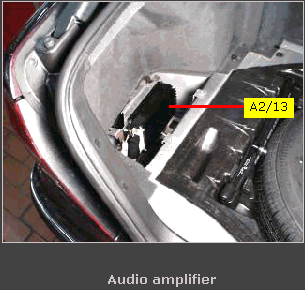 |
| Also experiment with the ETM tool-bar for moving, zooming, highlighting connectors, and printing diagrams. |  |
Back to search selection.